📓 Daily Notes
Your daily handwriting companion for Boox tablets

Your daily handwriting companion for Boox tablets
A natural writing experience optimized for e-ink screens, with a high-contrast black and white interface.
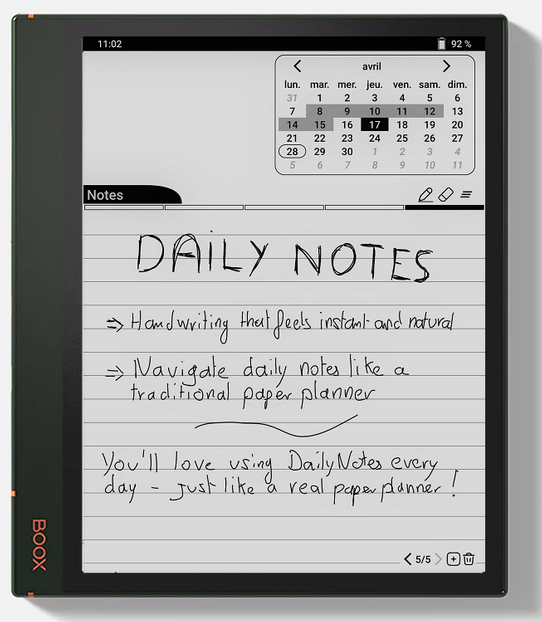
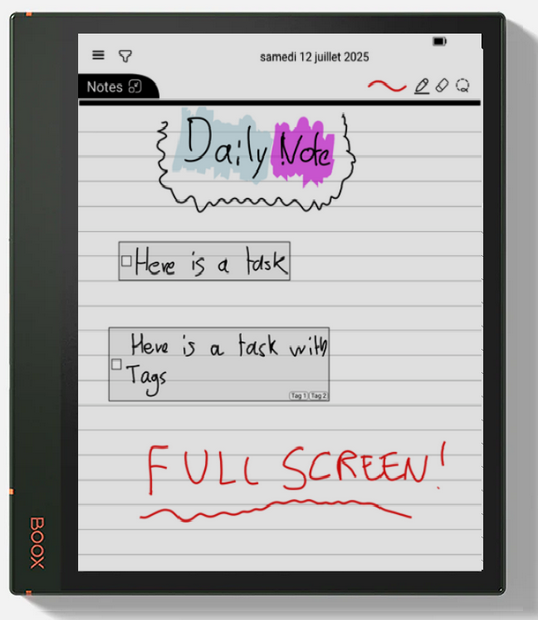
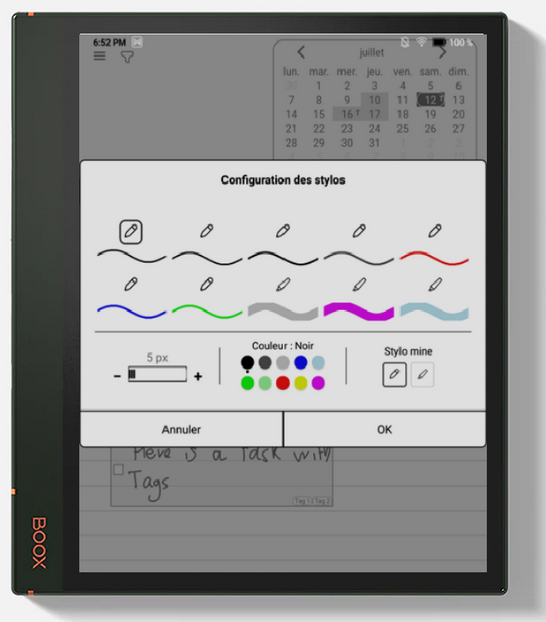
Write naturally with your stylus. Support for multiple writing modes (pen, highlighter) with different colors and thicknesses.
Your notes are automatically organized by day. Easily navigate through your history with an integrated calendar.
Create as many pages as needed for each day. Smooth navigation between pages with touch gestures.
Organize your notes with hierarchical tags. Filter and quickly find your content by category.
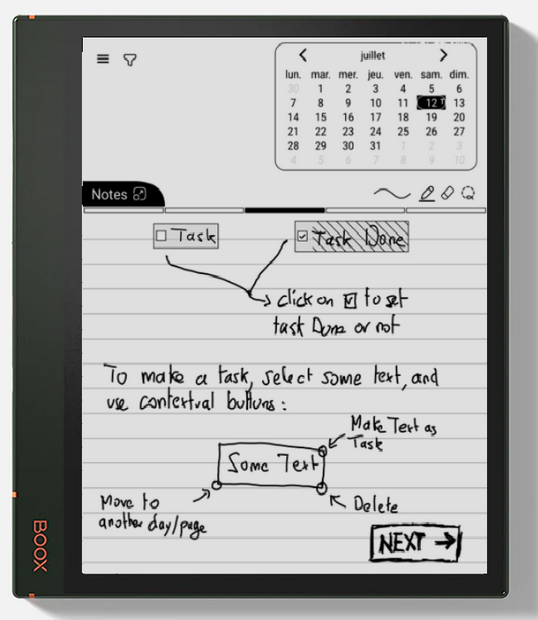
Create and track tasks directly in your notes. Dedicated view to visualize all your ongoing and completed tasks.
Automatic recognition of your handwriting. Search for text across all your handwritten notes.
Export your notes to PDF for sharing or archiving. Export by day, month, or custom period.
Backup and sync your notes via Dropbox or Google Drive. Access your data from multiple devices.
Undo and redo your actions without limit. Erase or delete entire pages safely.
Select areas of your writing to move them, copy them to other pages or other days.
Create complete backups of your data. Easily restore when needed.
Interface available in multiple languages. Handwriting recognition supporting many languages.
Keep a daily journal with your thoughts, reflections, and important moments. Date-based organization makes navigating your memories intuitive.
Take notes during meetings, conferences, or training sessions. Use tags to organize by project or client, and export to PDF for sharing.
Create your daily task lists. Mark them as completed and visualize your progress in the dedicated view.
Perfect for students: take class notes, create revision sheets. Use tags to organize by subject or chapter.
Capture your creative ideas as they come. Find them easily thanks to text search and tags.
Document your project progress day by day. Use hierarchical tags to structure your notes by project and sub-project.
Draw diagrams, schemas, or quick sketches. Perfect for visualizing concepts or architectures.
Take notes on your readings. Organize by book or theme with tags, and easily find your annotations.
Unlock the full potential of Daily Notes with Premium subscription:
Optimized for Boox tablets with e-ink screens. Interface adapted to e-ink displays (high contrast, no fast animations).
Primary interactions reserved for stylus to avoid accidental touches. Full support for Boox stylus features.
ObjectBox database for optimal performance. All your data is stored locally on your device.
Your notes remain private. Cloud synchronization is optional and you keep full control of your data.
Download Daily Notes on Google Play Store
Requires a Boox device with handwriting stylus